Quick Summary
A CapCut Pro VPN can help creators access region-locked templates, improve connection stability, resolve common network issues, and enhance privacy while editing. While it doesn’t unlock paid Pro features, it can make CapCut more reliable by routing traffic through servers in supported regions.
Choosing a trusted VPN with fast, secure servers ensures a smoother editing experience, especially for users who regularly create social media content.
Introduction
Video editing has evolved quickly in recent years, and CapCut has become a favorite among creators, influencers, and short-form content makers. Its user-friendly interface, built-in templates, and advanced effects make it a top choice for both newcomers and experienced users. However, many people encounter issues such as regional restrictions, missing templates, or connection problems when trying to use premium features. That’s where a CapCut Pro VPN can be helpful.
A VPN can help improve access, stabilize connections, and allow users to use cloud-based editing tools that might not be available in their country. Instead of dealing with limited features, many creators now use VPNs to streamline their editing process.
What is a CapCut Pro VPN?
A CapCut Pro VPN is a virtual private network used to access premium or region-specific features of CapCut. It changes your virtual location and routes your internet traffic through a different server. This can be helpful in the following situations:
- Templates are not available in your country.
- Effects fail to load properly.
- Cloud syncing is restricted.
- Exporting videos is slow.
Recent user discussions and guides indicate that using a VPN has become common among CapCut users facing regional limitations.
Why Do People Use a VPN with CapCut?
Not everyone needs a VPN for CapCut, but for some users, it can solve real issues. Here are the main reasons:
- Access Region-Locked Templates: CapCut’s template library varies by country. Some popular templates and transitions are only available in certain regions. By connecting through a different location, users can access more creative options. This is especially useful for creators who want to follow viral trends.
- Fix Network Errors: One of the most common issues is the “No Internet Connection” error, even when you have an internet connection. Some reports suggest that switching servers through a VPN can fix this problem.
- Improve Upload Stability: When exporting large files or syncing projects online, unstable connections can cause interruptions. A good VPN can sometimes route traffic more efficiently, reducing these issues.
- Better Privacy While Editing: Many creators upload personal or client content to cloud services. VPN encryption adds an extra layer of privacy, especially when using public Wi-Fi networks.
How to Use a CapCut Pro VPN Properly
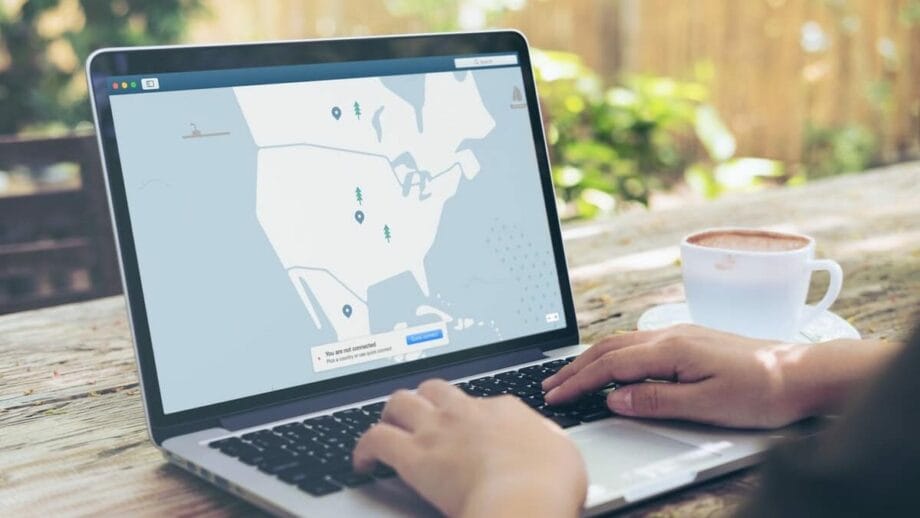
Using a VPN with CapCut is simple if you follow these steps:
Step 1: Choose a Reliable VPN
Pick a trusted provider with fast servers and stable connections. Free VPNs may work, but they can be slow and unreliable.
Most users consider paid VPN options, which offer multiple global server locations to help bypass restrictions.
Step 2: Connect Before Opening CapCut
Always start the VPN before launching CapCut. This helps the app detect the selected region from the start.
Step 3: Select the Right Server
Popular choices for CapCut include:
- Singapore.
- Germany.
- Netherlands.
- United States.
These locations are often recommended based on user experiences.
Step 4: Refresh the App
If the templates still don’t appear, clear the app cache and restart the app while staying connected to the VPN.
Best Features to Unlock with a CapCut Pro VPN

Using a VPN can help you access the following:
- Premium transition packs.
- Trending TikTok templates.
- Advanced AI effects.
- Exclusive text animations.
- Cloud collaboration tools.
- Special export settings.
These features can enhance content quality and speed up editing.
Is Using a VPN with CapCut Safe?
In general, yes – as long as you use a trusted VPN provider. However, there are a few things to remember:
- Avoid unknown free VPN apps.
- Check privacy policies carefully.
- Use strong encryption protocols.
- Don’t share login details through public networks.
Security researchers have noted that not all VPN services are equally safe, so careful selection is important.
Common Problems While Using CapCut with VPN

Even with a VPN, some issues can still occur.
Slow Speed: This usually occurs when the selected server is overloaded.
Fix: Switch to another nearby server.
Login Errors: Sometimes CapCut may detect unusual location changes.
Fix: Stay consistent with one server region.
Missing Pro Features: A VPN does not automatically unlock paid features. It mainly helps with access and availability. This is an important distinction that many users misunderstand.
Choosing the Right VPN for CapCut

When selecting a VPN for CapCut, focus on:
- Fast connection speed.
- Stable servers.
- Multiple country options.
- Strong privacy policy.
- Low latency.
A VPN can be good for casual creators, but premium VPN services usually offer more consistent performance for heavy editing.
FAQs

Does a CapCut Pro VPN unlock paid features?
No, it only helps with accessing region-based templates and improving connectivity.
Which VPN is best for CapCut?
A reliable VPN for CapCut with fast servers can help ensure smoother access.
Can I use a free VPN with CapCut?
Yes, but free VPNs often have slower speeds and fewer server options.
Why are some CapCut templates missing?
Some templates are region-locked, and a VPN can help access them.
Final Thoughts

Using a CapCut Pro VPN can be a practical solution for creators facing restricted templates, loading issues, or regional limitations. It’s not about bypassing payments or replacing premium subscriptions – it’s mainly about improving accessibility and connection reliability.
For users who rely heavily on CapCut for social media content, having a VPN can make the editing experience smoother and less frustrating. The key is choosing a reliable service, connecting to the right region, and understanding what a VPN can and cannot do.


