Residents in select U.S. states can now integrate their driver’s license or state identification into the Apple Wallet app on both iPhone and Apple Watch.
This capability allows users to showcase proof of identity or age at a variety of airports, businesses, and selected applications.
Currently, this innovative feature is available in 13 states and Puerto Rico, with anticipation of expansion into at least seven additional states in the near future.
To activate this feature, users should open the Wallet app, tap the plus sign located in the top-right corner, select “Driver’s License and ID Cards,” and adhere to the ensuing instructions.
Supported States
The following 13 states currently facilitate the addition of driver’s licenses to the Wallet app:
Puer to Rico also provides this feature.
Future States
Apple, along with local DMV offices, has announced that these U.S. states are poised to embrace this capability, although specific timelines remain undisclosed:
- Connecticut
- Kentucky
- Mississippi
- Oklahoma
- Utah
- Arkansas
- Virginia
Participating Airports
Apple Wallet IDs are authorized for use at TSA checkpoints across more than 250 airports within the U.S. for domestic travel. However, as these IDs are not recognized by law enforcement and lack extensive applicability, travelers are still advised to carry a physical identification.
Below is a selection of airports where this feature is operational, among numerous others:
- Baltimore/Washington International Thurgood Marshall Airport (BWI)
- Ronald Reagan Washington National Airport (DCA)
- Washington Dulles International Airport (IAD)
- Phoenix Sky Harbor International Airport (PHX)
- Denver International Airport (DEN)
- Hartsfield–Jackson Atlanta International Airport (ATL)
- Cincinnati/Northern Kentucky Airport (CVG)
- John Glenn Columbus International Airport (CMH)
- San Francisco International Airport (SFO)
- San Jose Mineta International Airport (SJC)
- Los Angeles International Airport (LAX)
- Daniel K. Inouye International Airport (HNL)
- Des Moines International Airport (DSM)
- Eastern Iowa Airport (CID)
- Albuquerque International Sunport (ABQ)
- Lea County Regional Airport (HOB)
- Luis Munoz Marin International Airport (SJU)
- Billings Logan International Airport (BIL)
- Bozeman Yellowstone International Airport (BZN)
- Great Falls International Airport (GTF)
- Missoula International Airport (MSO)
- Chicago O’Hare International Airport (ORD)
- Chicago Midway International Airport (MDW)
- St. Louis Lambert International Airport (STL)
- Richmond International Airport (RIC)
- Norfolk International Airport (ORF)
- Roanoke-Blacksburg Regional Airport (ROA)
- Newport News-Williamsburg International Airport (PHF)
Travelers are encouraged to consult TSA signage for confirmation of feature availability.
Digital Passport
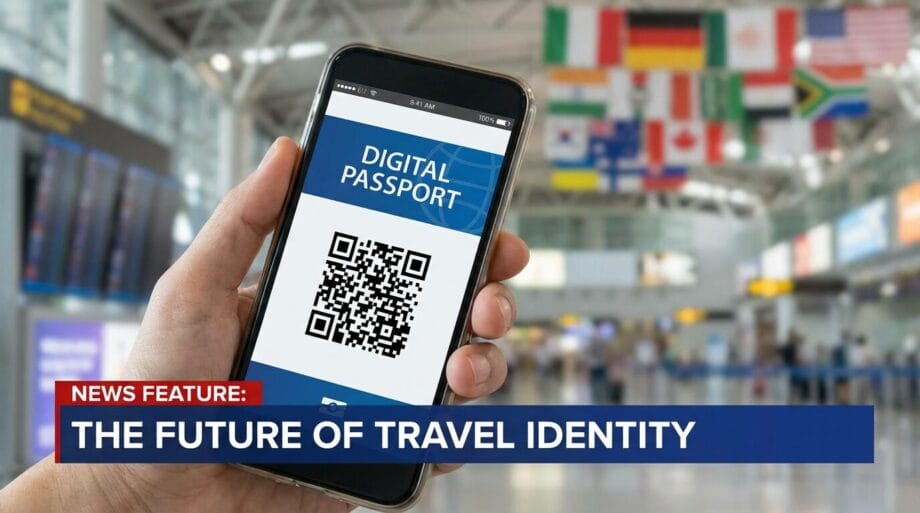
For residents in states not currently offering Apple Wallet IDs, there is now the option to create a Digital ID based on your U.S. passport.
This Digital ID can be utilized at participating TSA checkpoints for identity verification during domestic travel. However, it does not substitute for a physical passport and is inapplicable for international travel.
This feature necessitates iOS version 26.1 or watchOS version 26.1 and later.
Source link: Macrumors.com.