Apple’s New Update Sparks Battery Concerns Among Users
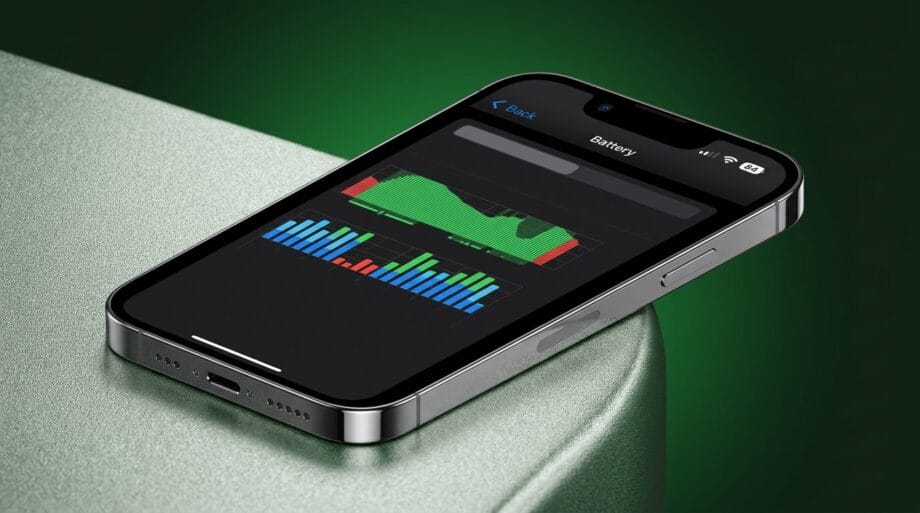
Apple’s latest software update has introduced a myriad of features eagerly anticipated by users. However, a growing number of iPhone owners find themselves regretting their decision to install it, as reports indicate that the new version may be causing excessive battery drain.
Experiencing a dwindling battery life can be particularly vexatious, as it directly interferes with device usability and significantly alters the contexts in which users feel comfortable taking their phones.
For those on long journeys, this could be a critical factor; similarly, the inability to watch an extended video or engage in gaming without immediate charger access can be quite disconcerting.
While battery degradation is a natural consequence of aging, updates can sometimes precipitate a more pronounced decline in performance. Consequently, many iPhone users are now in search of explanations and remedies.
According to reports from Supercar Blondie, the recent iOS 26.5 update has led a segment of users to observe a marked increase in battery consumption, despite no substantive change in their usage habits.
This uptick in battery drain may stem from several factors, which can vary widely among devices. Fortunately, there are several settings that can be adjusted or deactivated to mitigate this issue for those experiencing a reduction in battery life.
One significant, albeit unexpected, drain on battery life is attributed to the newly introduced animated wallpapers that debuted with iOS 26.
While these wallpapers enhance the aesthetic appeal of the device, they demand considerable power. Reducing the transition effects or reverting to an older, static wallpaper could yield a substantial improvement by conserving energy each time the device is unlocked.
Moreover, the “Liquid Glass” feature, another novelty integrated into iOS 26, has proven to be less popular among users who seek alternatives to deactivate it.
Although many may have acclimated to it over the past eight months, its constant animations can still exacerbate battery strain.
While complete deactivation is not feasible, significant downgrades in functionality are possible, potentially restoring some of the pre-iOS 26 efficiency.
Furthermore, users are advised to consider disabling automatic app updates. Although the convenience of automatic updates may be missed, the continuous background checks for updates undoubtedly consume battery power that could be preserved for more essential usage.
Lastly, widgets have emerged as another considerable source of battery drain, particularly those that provide live data, such as weather or stock market tracking widgets.
Alternatively, using simpler widgets could lower power consumption, thereby extending battery life throughout the day.
Source link: Uniladtech.com.