Cupertino, April 18, 2026, 10:41 PDT
- Apple is reportedly addressing a perplexing iPhone passcode issue associated with the Czech háček character, as reported by The Register.
- Custom alphanumeric passcodes, those intricate combinations of letters, numbers, or symbols, are notably affected by this glitch.
- As of yet, Apple has not provided a timeline for a potential fix nor has it confirmed that a remedy is forthcoming.
Apple is in the midst of rectifying a lock-screen keyboard anomaly that has unfortunately barred numerous iPhone users from accessing their devices following a recent iOS update, according to The Register. Central to this predicament is the Czech háček, or caron—the ˇ diacritic.
This complication transcends mere inconvenience; it can imprison individuals outside their devices due to something as trivial as a keyboard modification.
For those whose photos or files remain unbacked, the conventional solution necessitates a reset, leading to an irrevocable wipe of the device.
Apple’s own support documentation lays bare the reality: should one forget their passcode, the reset is the sole route back in, invariably erasing all data on the iPhone.
In Czechia, where diacritics are integral to daily communication, this issue is gaining traction. Expats.cz has highlighted the practical dilemmas faced by individuals utilizing non-standard characters in their passwords—software updates can surreptitiously modify keyboard functionality, leaving users in a precarious situation.
Reported by The Register, Connor Byrne, a 21-year-old student in the U.S., encountered difficulties following his upgrade from iOS 18 to iOS 26.4 on April 5.
His custom alphanumeric passcode, which included the háček, ceased to function; the lock-screen keyboard failed to recognize it, as it had previously.
As detailed by TechRadar, while the character could still be input typically, it was rendered ineffective for lock-screen passcode entry.
Various online attempts to circumvent the issue—ranging from scanning handwritten passcodes to employing an external keyboard—proved futile, as noted by the outlet.
The lockout crisis is exacerbated by the requirement that an iPhone demands a passcode after any restart or software update, rendering Face ID inoperative until the passcode is entered.
Apple’s Face ID support documentation advises users to reboot their devices and enter the passcode prior to attempting to utilize Face ID again. Furthermore, Apple’s USB accessory guidelines stipulate that an iPhone must be unlocked to interact with any computer or accessory.
Apple permits users to choose from four-digit, custom numeric, or custom alphanumeric passcodes. While the latter is intended to enhance security, this situation underscores the potential for complications if the lock screen keyboard fails to align with the original input method a user selected.
Thus far, Apple has not publicly addressed the reported bug. According to The Register, company representatives did not respond to requests for comment, although sources indicate that iOS engineers are working on a fix planned for an upcoming iOS 26 release.
The crucial consideration is timing. On its security releases page, Apple lists iOS and iPadOS 26.4.1 as the latest versions, emphasizing that once installed, downgrading these systems is impossible, leading users to forfeit the option to revert to an earlier keyboard setup.
While competitive pressure regarding this issue may be minimal, it is not entirely absent. Byrne has expressed his intention to transition to Android, with Samsung’s Galaxy S26 Ultra as his preferred choice—irrespective of whether Apple ultimately provides a solution.
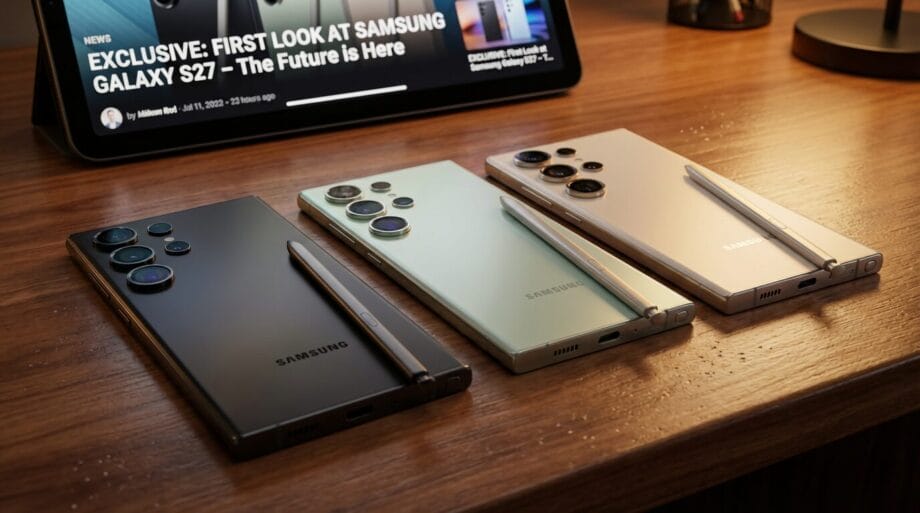
At present, Apple is not contending with a widespread outage; rather, a bothersome quirk undermines a fundamental promise: enhanced device security should not exclude legitimate users.
The current lesson is unmistakably clear—avoid using unusual keyboard symbols in your lock-screen passcode, and ensure that your backups are consistently updated.
Source link: Bez-kabli.pl.


