Although Apple is renowned for its meticulously crafted iPhone ecosystem, this curated software environment comes with inherent limitations: iOS lacks the adaptability that Android offers.
The inherent openness of Android facilitates a plethora of hardware choices suitable for every financial plan, combined with an extensive array of software customizations, such as third-party launchers and icon packs.
Furthermore, Google’s unwavering commitment to accessibility provides an enticing suite of features that can resonate deeply with older generations, as well as with those of us tasked with configuring devices for elders.
As the designated technology advisor to my family, my extensive experience with Android (spanning over a decade) leads me to advocate for it as the optimal mobile operating system for the older demographic.
Not only does it simplify the process of finding appropriate hardware and software tailored for seniors—such as larger screens and specialized big-button dialers—but it also merges Android’s vast customization options with essential accessibility tools like the built-in TalkBack screen reader. This fusion creates a seamless user experience that effectively caters to older users.
Endorsed by experts like myself, Android stands out as a compelling choice for older adults due to its incredible versatility and affordability.
In light of its myriad advantages, it becomes evident why Android commands over 70% of the global mobile OS market. Its flexibility serves as a boon for users of all ages, enabling them to capitalize on its functionality.
Endless Customization through Launchers and Icons
As an open-source operating system, Android invites virtually limitless customization. Notably, numerous third-party launchers, such as BIG Launcher and Elder Launcher, simplify navigation with large-button designs specifically for seniors.
This versatility alleviates potential frustrations during day-to-day usage. Additionally, unlike the majority of iOS applications, Android permits third-party browsers to function independently from a singular rendering engine, showcasing features like native ad blocking via the Brave browser, which is straightforward to configure.
Android empowers users to tailor the device’s functionality well beyond basic security settings. Whether you want to curate a specific app drawer or eliminate intrusive advertisements from web browsers, Android makes these adjustments straightforward.
With a thorough understanding of the OS, one can transform a standard mobile phone into a user-friendly big-button interface or sculpt a secure space dedicated to gaming or web browsing. Through essential apps, the possibilities are virtually limitless.
I have personally recommended BIG Launcher for a family friend’s device, attesting to its suitability. By integrating it with the developer’s BIG Phone for Seniors, I ensured a more accommodating experience for users with visual impairments, facilitating effortless phone calls and navigation while opting for Brave Browser as the default to maintain an ad-free browsing experience.
A Diverse Array of Budget-Friendly Hardware Options
Android devices manifest in myriad shapes and configurations, including models featuring physical keyboards that facilitate tactile interaction, such as the Unihertz Titan 2, priced below $500—making it more economical than Apple’s least expensive iPhone, the $600 iPhone 17e.
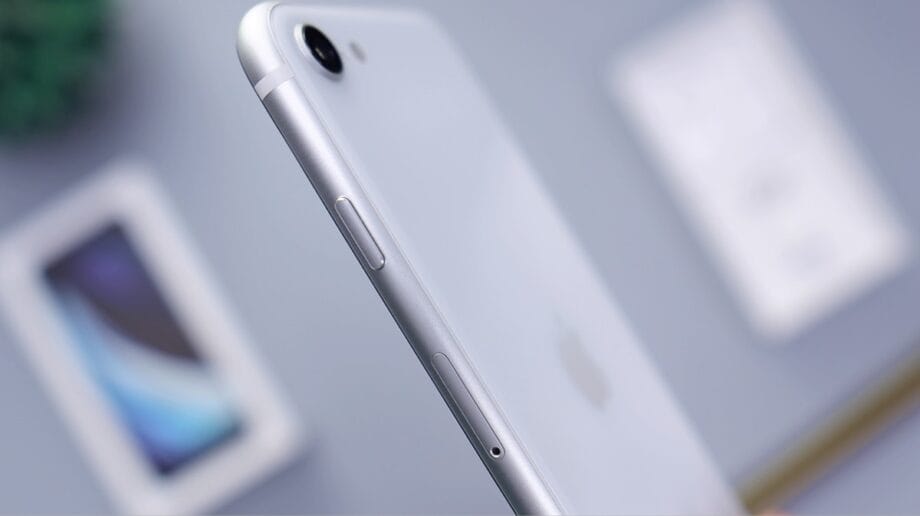
The combination of affordability and hardware adaptability offered by Android is unparalleled for those seeking features like headphone jacks, removable batteries, SD card slots, infrared blasters, or notification LEDs. Such hardware diversity greatly enhances the functionality available in mobile operating systems.
However, the true value of this hardware variety is rendered moot without corresponding custom software.
When I selected a tablet for my grandmother, I ultimately opted for a Samsung variant, primarily because of its Easy Mode, which simplifies the Android interface with a larger, easily readable layout.
Android’s extensive hardware options, provided by numerous manufacturers, often come with additional customized software, such as Samsung’s One UI and Easy Mode, which further enrich the user experience.
Moreover, Android excels in catering to privacy-conscious consumers. There are dedicated security-oriented devices from manufacturers like Murena, and customized privacy-focused ROMs, including GrapheneOS, CalyxOS, and e/OS, can be installed on various Android models.
Additionally, many affordable burner phones currently operate on the Android platform, making it feasible to acquire economical devices for temporary usage at local grocery stores.
An Abundance of Accessibility Features
Android boasts a remarkable suite of accessibility features—so extensive that Google has dedicated multiple I/O events to unveil the latest enhancements.
From basic functionalities like text outlining for enhanced visibility to comprehensive screen-reading capabilities, Android provides invaluable tools.
Well-established features such as TalkBack and Select to Speak coexist with recent innovations like Live Caption, encompassing a wide spectrum of potential user interactions, from reading entire web pages aloud to captioning videos and music.
Hands-free operation is made conceivable with applications like Google’s Voice Access, which responds to straightforward commands, enabling full device navigation solely through vocal input.
Consequently, an Android device not only vocalizes content to users but also permits users to accomplish tasks verbally—eliminating the need to physically interact with the device.
This innovation represents a monumental leap in accessibility, paving the way for individuals facing mobility, visual, or auditory challenges.

Such advancements owe their existence to Google’s rigorous integration of artificial intelligence. While the trend of embedding AI into diverse products may seem ubiquitous, its application here yields profound advantages for the human experience.
My family has reaped the rewards of this technology, with elder relatives discovering its capabilities to such a degree that they’ve requested I teach the entire family how to utilize it effectively on their devices.
Source link: Bgr.com.