Quick Summary
The right development tools can streamline software and web development, reduce repetitive work, improve collaboration, and help teams create better results. From containerization and version control to design, testing, monitoring, and deployment, choosing tools that fit the development workflow can make the entire process more efficient.
This article highlights 16 tools covering different stages of the development process. Together, these tools can support application deployment, collaboration, automated testing, infrastructure management, UI design, animation, monitoring, and smoother handoffs between designers and developers.
Introduction
Web development is an art that needs not only the right talent but also the right tools. The right tools can streamline your efforts and drive better results over time. Using the right tools makes sense because you wouldn’t want to invest your energy in the wrong ones and end up with a dull, soul-sapping design that is both repetitive and unattractive. However, you’ll want to delight users and create art, which is only possible with the right tools.
Thankfully, we now have many interesting web design tools and processes that make the design process interactive and engaging. These tools not only reduce the effort and time you spend creating a design, but also add value to the overall result.
In this article, we take a look at the top development tools available to software and web developers. These tools make completing a web app easier for all involved.
1. Docker
Docker is a central tool for containerization. This trend is quickly gaining popularity in contemporary organizations. Docker enables secure deployment and packaging of applications, regardless of the environment they run in. Every Docker container includes the support files, runtime, source code, system configuration files, etc. These files and documents ensure applications run flawlessly.
You can access all containers on the Docker engine remotely and run applications without being physically present at the workplace. The current global pandemic and the lockdown measures imposed as a result of it form the perfect use case for a DevOps automation tool like Docker. According to a recent report, 66 percent of organizations that tried this solution adopted it at a greater scale within a month.
2. GitHub
Launched in 2000, GitHub still remains one of the best tools for easy communication and collaboration. Developers and software engineers can iterate on their code quickly, with notifications sent to other members. Application rollbacks are also easy to manage and can reduce damage from errors or fallouts.
3. Figma
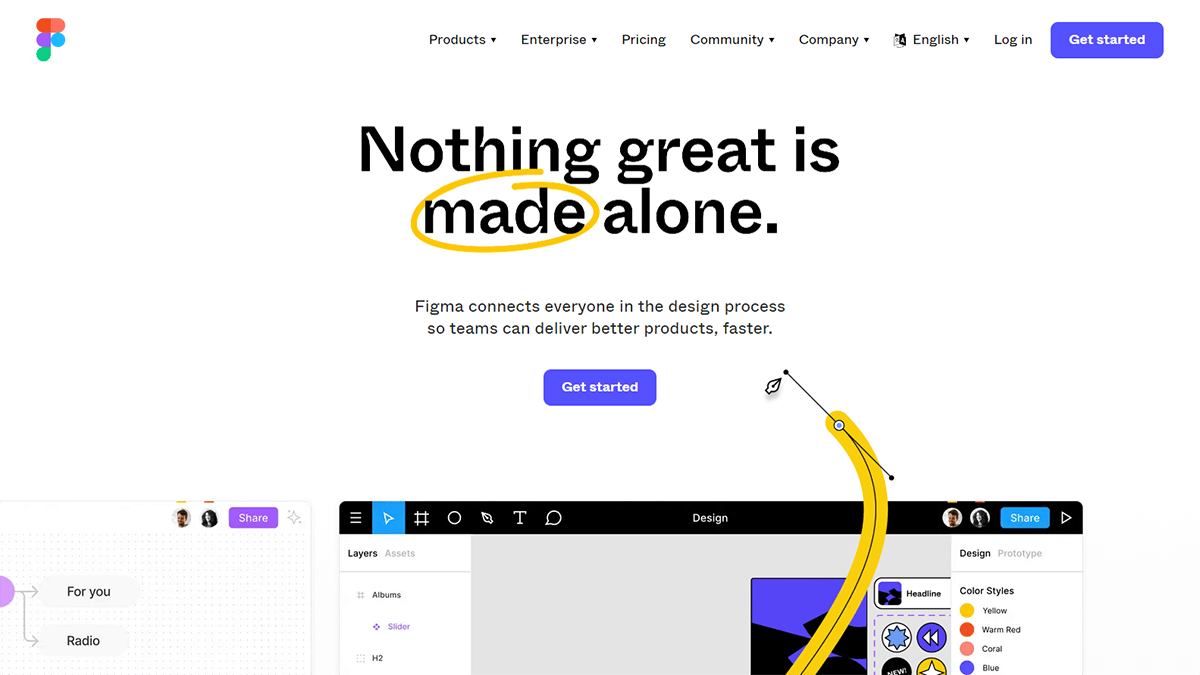
Figma is a design tool that assists developers with innovative ideas. The tool lets developers collaborate in real time. Developers can reach out to each other and work together to create a design everyone approves. The application is available in browsers for Windows, Linux, and Mac. The application currently has two versions: a free version and a paid version. The version you choose depends on what you’re expected to do with the application and how you want things to phase out in the future.
Designers who have worked on Figma projects have reported that the application has the same USP as Sketch. However, one benefit you can enjoy in Figma, but not in Sketch, is its cross-platform compatibility. The workflow is smooth, and in-app collaboration lets you share updates as they happen. Many developers who have used it also recommend the application for its innovative design and the flexibility it provides.
4. Slack
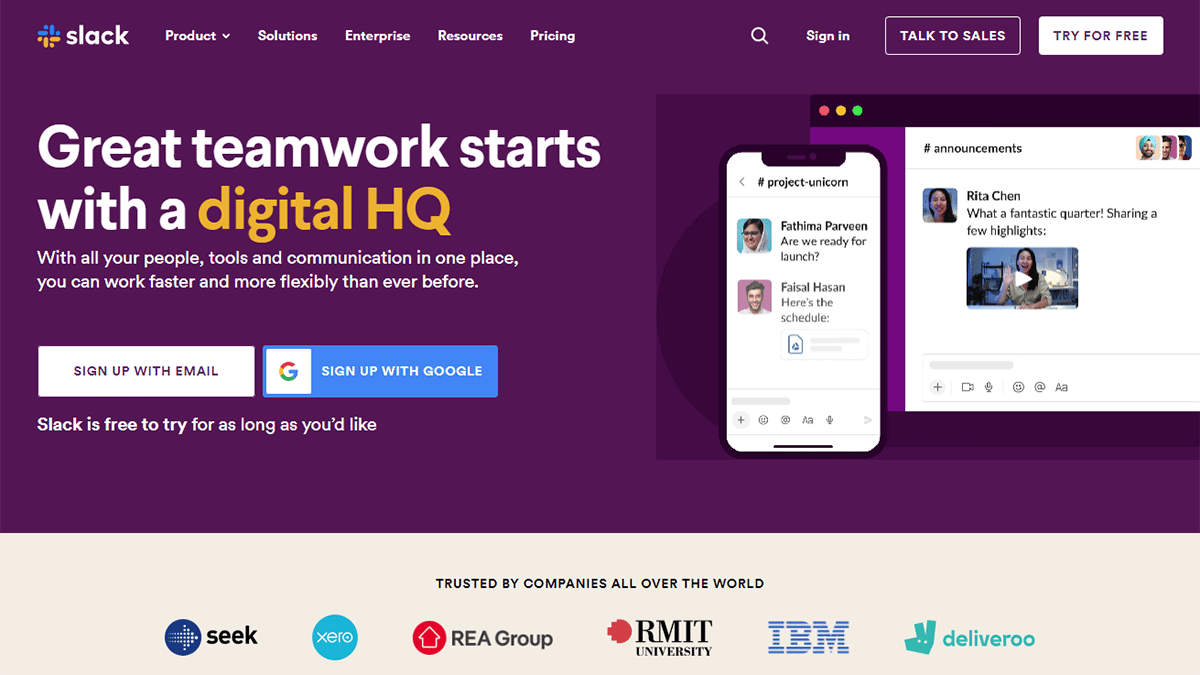
Launched in 2013, Slack is one of the best communication tools organizations use for effective communication and collaboration on complex projects. Organizations use this tool in their DevOps arsenal because it breaks down geographical barriers and gives team members a clear perspective on business workflows.
Slack’s most exciting feature is how it lets developers collaborate and communicate with other service and maintenance members in the same environment. No separate communication chain has to be started for this collaboration.
5. Phantom
Software security is a major concern for the DevOps team, and Phantom offers the perfect solution. Phantom is a convenient solution for developers who want to build a secure infrastructure from the start of the software development lifecycle.
Organizations can also use Phantom to collaborate centrally and stay aware of security threats that arise during the process. DevOps professionals can also use this tool to mitigate risks instantly and reduce the damage they cause.
6. TestMu AI

A pipeline can build, configure, and deploy on its own, but it still doesn’t answer the question that matters most before a release: does the application actually work for a user? TestMu AI (formerly LambdaTest) fills that gap. It runs automated tests in the cloud across more than 3,000 browser and operating system combinations and over 10,000 real Android and iOS devices, none of which the team has to buy, configure, or maintain.
Most teams notice HyperExecute first, the platform’s execution engine. Instead of queuing a suite against a shared grid and waiting, it splits the suite across parallel machines, intelligently reorders tests, and automatically retries flaky ones. Suites that used to take an hour finish in a fraction of that time, which matters a great deal when tests sit between a merge and a deploy. It connects to Jenkins, GitHub Actions, and most other CI servers, so the tests run as a pipeline stage rather than as a separate manual step someone remembers to trigger.
TestMu AI also offers Browser Cloud, which points the same infrastructure at a newer problem. Teams building AI agents that browse websites, fill forms, and complete tasks on a user’s behalf hit the issue QA teams solved years ago: running hundreds of concurrent browser sessions reliably is much harder than it looks from a prototype. Browser Cloud handles that layer so developers can work on agent logic instead of babysitting headless Chrome.
7. Avocode
Avocode does a good job of making it extremely simple for developers to code applications or websites from designs made in Sketch or Photoshop. The Avocode team also made tools like PNG Hat and CSS Hat, which users received well. Given their previous rapport, the designers behind Avocode have done a good job taking the export process a step further.
One reason Avocode is worth using is its Photoshop plugin, which can sync your PSD into Avocode with one click. Avocode quickly imports your PSD and Sketch files and brings out the layout through a beautiful UI with all the necessary features.
8. Sketch
Yes, we know many designers already know Sketch’s vector UI design tool, but many still use Photoshop to create the perfect UI design (despite the release of Adobe’s shiny new wireframing and prototyping tool, Adobe XD).
Many famous designers have said that using Photoshop to design a website’s UI is a basic mistake that can disrupt the overall process. Designers who realized these flaws shifted to Sketch in 2017, and the migration to Sketch is expected to continue at the same pace this year. Designers who started using Sketch have made the claim that the tool is faster than Photoshop, and there’s always something new to learn and implement every day.
Unlike Photoshop, Sketch gives users a good way to organize their documents and make revisions easily. File sizes in Photoshop are also dramatically smaller than in Sketch because Sketch is a vector-based app. That’s not all; Sketch also has a brilliantly built-in grid system, which makes the interface easy to understand and navigate. The app’s design is cleaner, and users can navigate the minimalist interface without getting bogged down in complexity. Photoshop, on the other hand, has a complicated setup that is not only hard to use but also difficult for new users to understand.
9. Jenkins
Jenkins operates as an open-source integration server that automates the complete software development life cycle. Jenkins’ pipeline feature is its biggest USP. Developers can use this pipeline to run test cases and get results once they’re done. Jenkins is a highly customizable tool that can provide instant feedback to team members if a process leads to a broken build.
Jenkins can automate and simplify most tasks and tools involved in the software development life cycle. This feasibility allows team members to focus on higher-level thinking and find practical solutions.
10. Nagios
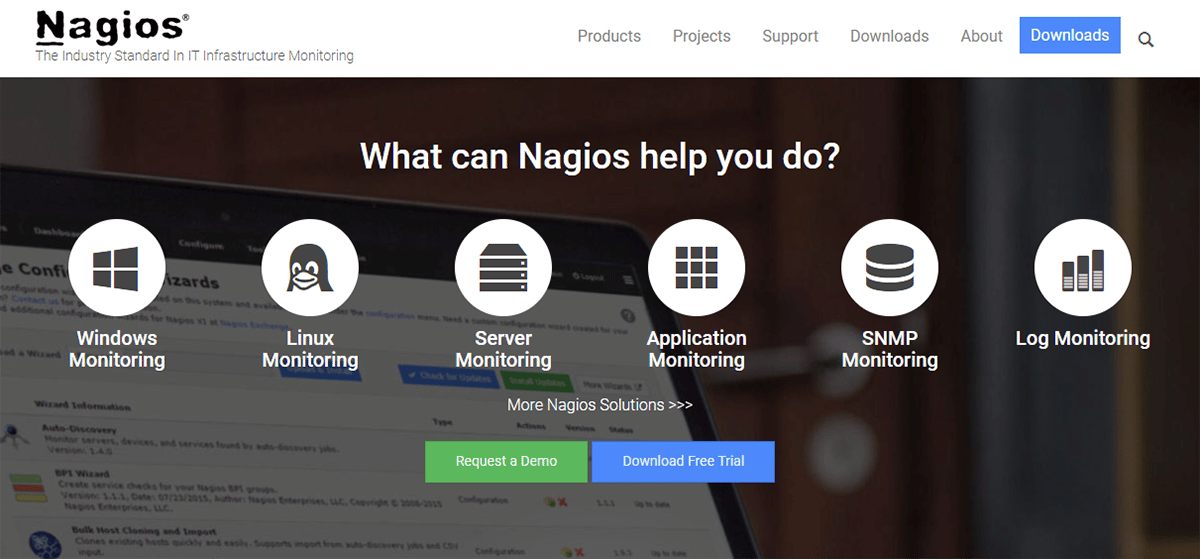
Nagios is similar to Phantom and works as a monitoring tool that monitors servers, applications, and other infrastructure. The tool can help larger organizations with complex infrastructure involving switches, servers, and routers in the backend.
The automation tool alerts all users as soon as a device fails or a fault is detected. Nagios also maintains a regular operations chart to monitor trends and alert users of any discrepancies.
11. Ansible
Ansible is one of the simplest yet most effective IT configuration and orchestration tools available today. This tool offers a simpler set of operations than its competitors, including Chef and Puppet, which come loaded with unnecessary features.
Ansible is primarily used to deploy new applications on existing systems and configure new machines. Ansible is a favorite among IT managers because of its lower infrastructure cost and faster scalability.
12. Vagrant
Vagrant is a tool organizations use to work with virtual machines within a single workflow. Team members across different departments can use Vagrant to test applications faster and share software trial runs.
This development tool ensures that the environment for a particular project or software remains consistent across every machine or system in the workplace. This can reduce threats and increase efficiency.
13. Adobe XD
If Photoshop was complex and limited, Adobe’s new wireframing and vector design tool, Adobe XD, is completely the opposite. Adobe released the beta version in May last year, with the formal release in October.
Adobe XD is a complete package and is a definite step above the basic features offered by Photoshop. XD includes tools that let you create and define numerous non-static interactions, drawing tools, sharing tools for gathering feedback on design, and a dedicated desktop and mobile preview. Adobe XD lets designers choose an artboard size that best fits the platform you are using. You can also import popular UI kits from external apps, such as Google’s Material Design.
Like the reaction to Sketch, designers worldwide have found Adobe XD a great addition to the Adobe family and a strong tool to work with. Users have complimented XD’s interface and its strength for mockups. The interface is extremely light, considering the many images it loads. The application’s prototyping feature is another strength, since it lets you show clients how things work from the word go. Since you can push content online from the start, it is a good way to keep clients updated on what you are doing. It also lets you copy and paste elements or designs from other Adobe apps.
Another reason developers have started using XD over Sketch is its main limitation. Sketch is only available for Mac, which makes it extremely difficult to share files with developers who aren’t on a Mac. So, when sharing files with users who don’t use a Mac, developers had to make a few time-consuming changes. XD, by contrast, is a multi-platform tool that can be viewed and shared across multiple operating systems.
Another reason developers are attracted to Adobe XD is that the application has the Photoshop feel they have grown accustomed to over time. Developers who have worked in Photoshop and Illustrator for much of their careers find the right combination of familiarity and development in Adobe XD. The application is similar to Photoshop in design, but its enhanced features make it a better fit for developers today.
14. Affinity Designer
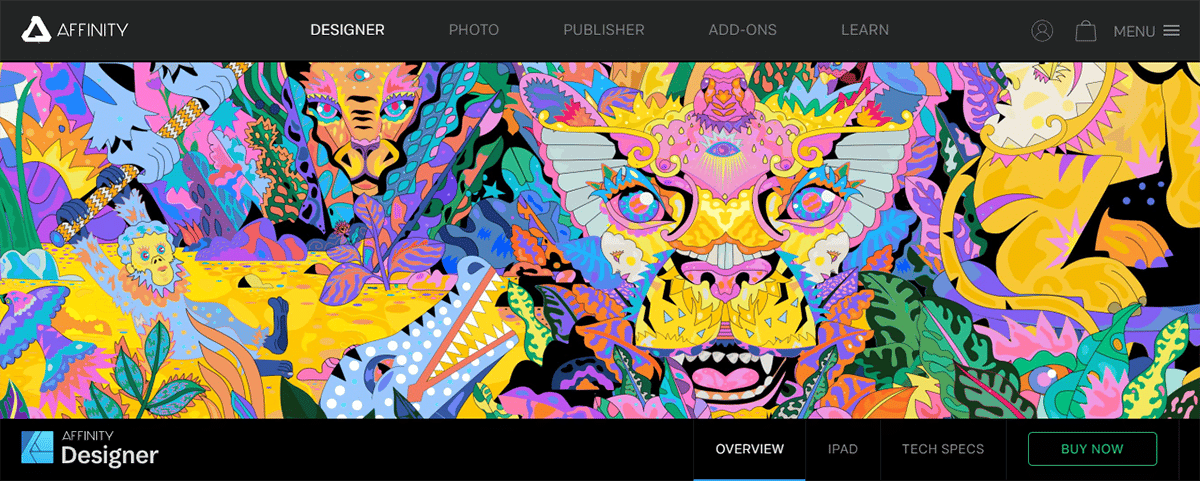
One of the new features Serif added to Affinity Designer is nondestructive, adjustable layers. This means you can easily adjust vectors and images without damaging their quality. The 1,000,000 percent zoom option in Affinity Designer is euphoric, letting designers focus on detail. Photoshop’s 32,000 percent zoom option felt lacking. Beyond zoom, Affinity also offers an undo feature that lets you undo changes and revisit previous versions to fix flaws or compare versions. Affinity lets developers undo up to 8,000 steps, which is amazing.
One major issue most designers face when transitioning from Photoshop to other design platforms is having to start over. However, Affinity Designer’s design may look familiar to people who have used Photoshop before. The developers have done a good job keeping Photoshop’s familiarity while adding newer, better features that let designers try what they’ve wanted. The layout stays similar to Photoshop, but Serif has tightened the screws to cut out waste and distractions. Most users familiar with Photoshop will have no trouble adjusting to Affinity Designer and can get right to what they want to do, thanks to its exemplary setup.
Affinity, with its strong list of benefits, feels like a strong competitor to Photoshop, XD, Sketch, and Illustrator. However, a few basic details need fixing for it to be in the same league. The app is available for a basic $48.99, which isn’t much considering what it offers.
15. Anime.js
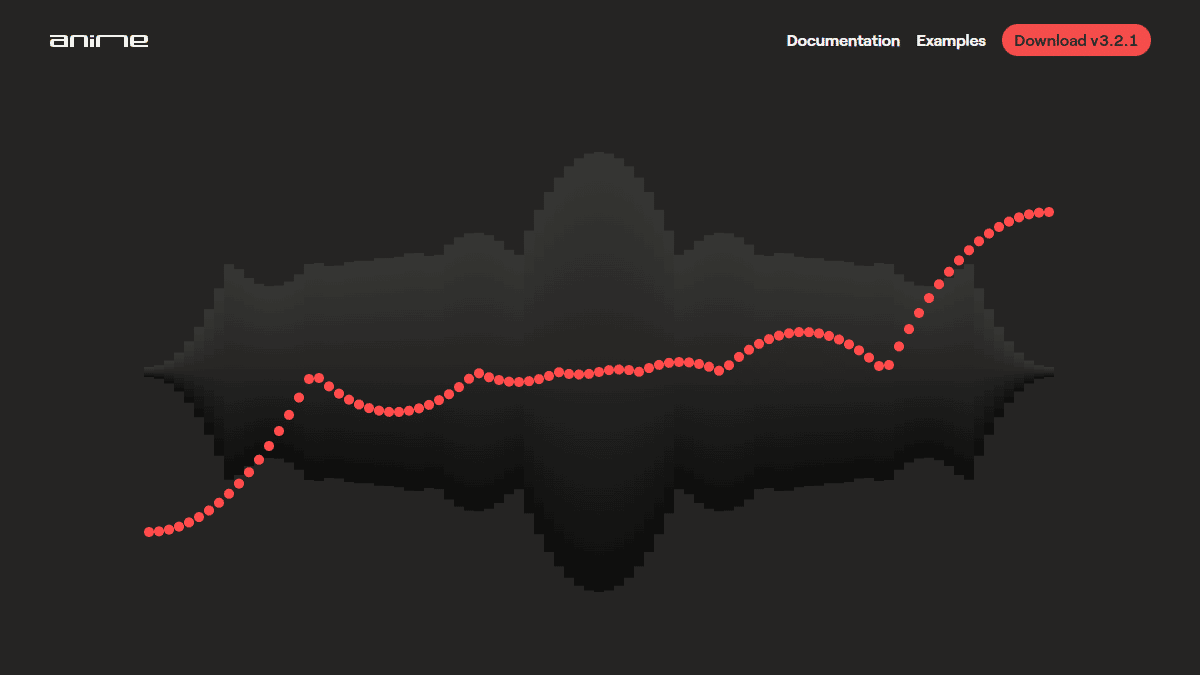
Web page animations have, at times, gotten a bad reputation for making things complex and harder to work with. However, developers never shy away from methods that make the process easier. CSS animations and transitions are a good start, but you’ll need a library for more complex or difficult interactions.
To meet that need, Anime.js is a new animation engine you’ll want to check out if you’re adding complex animations and animating components to the webpage or app you’re building. Anime gives you the right library option to get the most out of your design experience. This app is a great tool for web designers who want better, bigger results for the effort they put in.
16. Zeplin

The number one problem website designers face when they finish their work is handing the design over to developers. Designers who have been part of the deal for a long time now realize how much of a hassle it can be to hand over their designs to the development team. Both groups don’t share the same platforms, which makes the whole process even more troublesome and elongated. As a result, the final product often looks like a distorted version of the original design. Annotated Photoshop mockups sent to developers often end up flattened, and the design intent gets lost in translation from one service to another.
The tool you’d need to streamline this process is Zeplin. Zeplin makes translating Sketch or Photoshop files into any web-based app much smoother, including on Windows and Mac. The best part about Zeplin is that it quickly finds and provides a reference for the dimensions, fonts, and colors needed for your design. The application also generates style guides and CSS, which can save time and help you communicate effectively with your developer friends. Adding the application to your workflow helps cut communication hurdles and ensures the transition from design to development is as smooth as possible.
Final Words

These tools can make software development easier for everyone involved and lead to more comprehensive results and clearer direction.
This article is written by Jyoti Saini. Jyoti is a Technical Lead at Programmers.io and likes studying/researching tech news for recent innovations and upgrades. Saini has been associated with the market for half a decade now and aspires to present complex tech innovations in a simple format for readers online.


