For the past fifteen years, Apple has faithfully facilitated iPhone pre-orders. Yet, every year, a familiar array of issues arises—five in particular, four of which can be sidestepped with a mere ten minutes of foresight the week prior.
Pre-orders for the iPhone 18 Pro will commence at 5 AM Pacific Time on the Friday post-keynote, a tradition Apple has maintained since 2017.
This translates to 8 AM in New York, 1 PM in London, 10 PM in Sydney, and 5:30 PM in Mumbai. Set your alarm now; the act of waking up is merely the first step in a labyrinthine process.
1. The Payment Dilemma Strikes at the Most Inopportune Moment
This issue causes more lost launch-day orders than all others combined. You navigate the queue, reach the checkout, only for your bank to decline a $1,300 charge at the crack of dawn, mistaking it for fraud. In the time it takes to resolve this snafu, the expected delivery date has already shifted from launch day to four weeks out.
Proactive measures can mitigate this risk. Ensure that the card linked in the Apple Store app is current, that your billing address aligns precisely with your bank’s records, and, if applicable, increase any transaction limits.
Some financial institutions allow pre-authorization for sizable purchases via their apps, a swift action that could eliminate the problem entirely.
If financing is on your agenda, perform a credit check ahead of time. Both Apple’s monthly payment options and the newer Upgrade leasing program include an approval phase; attempting this at 5 AM operates as an invitation for your basket to time out.
2. The Disappearing Trade-In Quote
As new phones release, Apple recalibrates its trade-in values, a reset that may not occur before pre-orders begin. Customers often initiate checkout with one valuation, only to refresh and encounter a diminished figure.
Moreover, introducing the trade-in step can elongate the already competitive checkout process, adding several screens and further jeopardizing the delivery estimate.
Two solutions exist: either secure your trade-in quote prior to pre-order day so it resides in your account, or forgo the trade-in during checkout and manage it separately afterward. The latter option incurs no extra cost aside from the inconvenience of missing out on immediate credit, and it streamlines your process during that pivotal moment.
3. Carrier Checkout Forces a Diversion
Purchasing through Apple’s website with a carrier plan sends you into an activation flow that connects in real-time with the carrier’s systems—systems that typically buckle under the intense launch-day load well before Apple’s do.
If a specific carrier promotion entices you, consider buying directly from the carrier, accepting that their delivery timelines often lag.
Alternatively, if speed is of the essence, purchase an unlocked device from Apple and arrange your plan later. Combining both strategies in a single transaction yields the disadvantages of each.
A crucial detail to note: carrier deals marketed as “on us” generally require a new line or trade-in, providing monthly credits over 24 or 36 months. Departing early nullifies any remaining credits, leading to a long-term complication initiated at 5 AM.
4. Selecting an Uncommon Configuration
Apple produces every color and storage option, but not in equal quantities. The standout hue in the largest storage variant frequently sells out first, while the base capacity in a less popular color may still ship promptly weeks later.
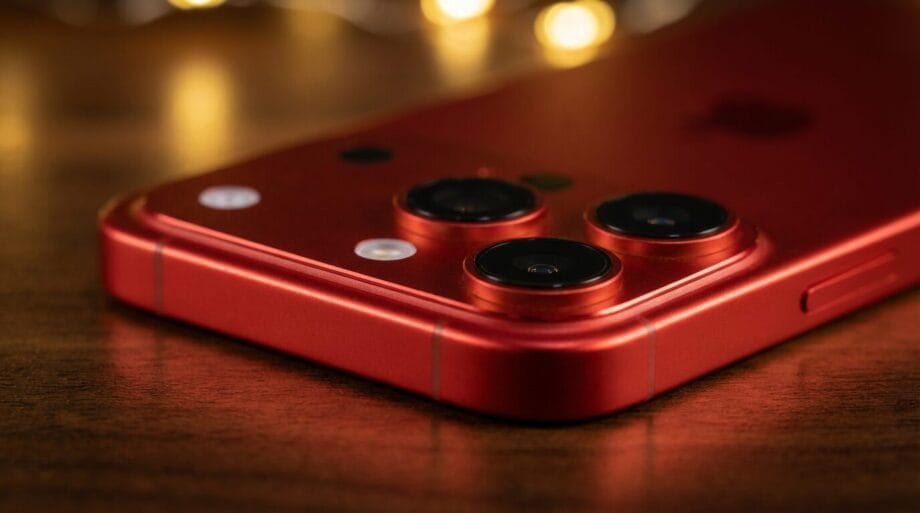
This year, Dark Cherry is expected to be the standout color, so anticipate it to be in limited supply. Determine a secondary choice you’d be satisfied with prior to accessing the app, thus avoiding a moment of indecision as stock diminishes.
Supply chain factors also loom large. Reports throughout the summer indicated potential shortages in A20 chips, with component costs escalating due to memory deficits. An unusually tight launch allocation should be anticipated.
5. Relying on the Website
The Apple Store app has consistently outperformed the website during every launch I’ve observed. It preserves your information, manages the pre-launch holding screen efficiently, and avoids basket loss during page reloads.
Open the app the night prior, log in, confirm your shipping details and payment method are up to date, and keep it running.
When pre-orders commence, the app typically refreshes automatically within a minute or two. Forcefully quitting and reopening does not hasten the process and could result in being logged out.
Should your home broadband connection be unreliable, use mobile data instead. An interrupted Wi-Fi connection mid-checkout is a very real concern and, undoubtedly, the most vexing reason to lose an order slot.
The Essential Ten-Minute Checklist
- Download and sign into the Apple Store app.
- Confirm the saved card, its expiration date, and the billing address.
- Notify your bank about an impending large purchase, or increase your transaction limit.
- Complete any financing approval in advance.
- Secure your trade-in quote early, or opt to forgo it during checkout.
- Decide on the model, storage capacity, and two acceptable colors beforehand.
- Weigh the benefits of Apple’s expedited delivery against a carrier’s discount, then choose one.
Seven items. Ten minutes. Those who lament a delayed delivery in November frequently overlook items two and five.
An additional consideration for this year: if the foldable model ships after the Pro variants, its pre-order date may lag behind the main lineup, reminiscent of the scenario faced with the iPhone X in 2017. Do not linger on a Pro pre-order waiting in vain for the foldable’s availability.
Source link: Wi-fiplanet.com.