Quick Summary
A polished demo can make any AI assistant look impressive, but real-world performance depends on far more than a smooth sales presentation. Before investing in a GenAI customer support assistant with RAG (Retrieval-Augmented Generation), it’s essential to evaluate how it handles your documentation, retrieves accurate information, updates its knowledge base, and responds when it doesn’t know the answer. These factors determine whether the system delivers reliable support or causes costly mistakes due to AI hallucinations.
The article explains the key criteria for assessing RAG-powered customer support solutions, including data ingestion, hybrid search capabilities, grounded responses with source citations, performance monitoring, and seamless integration with existing business tools. It also highlights the importance of human oversight, ongoing maintenance, and choosing a vendor with proven production experience rather than polished marketing, helping businesses make informed decisions before adopting AI-powered customer support.
Introduction
You’ve read enough web project write-ups to know a slick demo and a working product are different things. The same gap shows up in AI. A chatbot that answers three test questions in a sales call can still fall apart on question four, in front of a real customer.
That gap is why evaluation matters more than the pitch. Retrieval-Augmented Generation, or RAG, is the architecture behind most serious GenAI customer support assistants today. It pairs a language model with your own documentation, so answers come from your product manuals and policies instead of the model’s general training.
When done well, it reduces response time and maintains consistent support around the clock. Done poorly, it ships a confident assistant that makes things up.
Why AI Development Matters Right Now
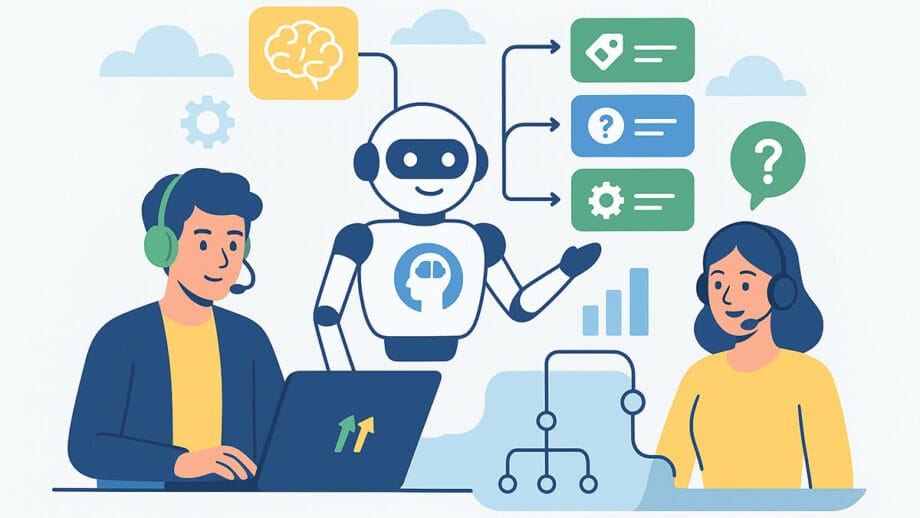
Support and sales teams spend much of their day answering the same repetitive questions: where’s my order, how do I reset this, what’s covered under the plan? Every one of those questions already has an answer sitting in a knowledge base, a policy doc, or a spec sheet. A RAG assistant’s job is to find that existing answer and hand it over instantly.
The AI development market has caught up to this need fast, and the speed is part of the problem. Plenty of vendors will build a chat widget in two weeks. Fewer will build one that stays accurate once your product catalog changes for the tenth time. If you’re comparing vendors this year, the technical depth of the build matters more than the interface polish.
Key Evaluation Criteria for Designing a GenAI Customer Support Assistant with RAG
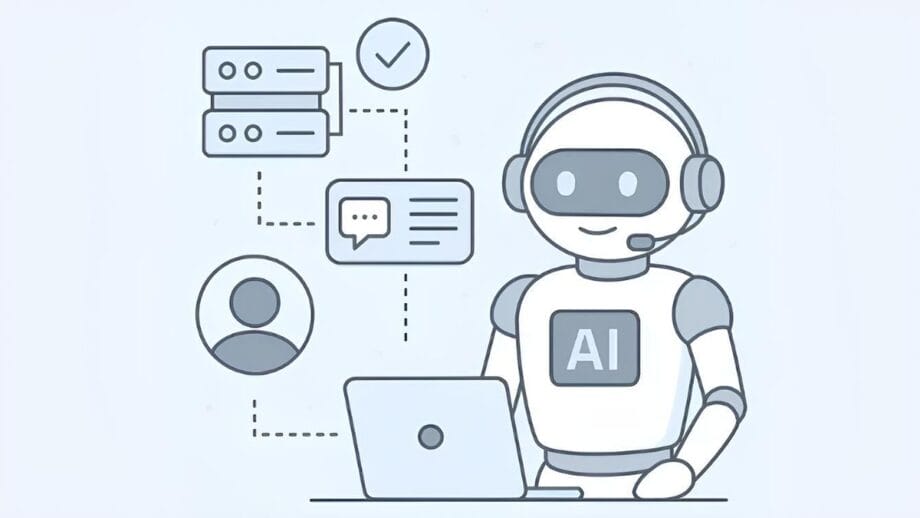
Start with the data pipeline, not the chat window. Ask any vendor how they ingest your documents: PDFs, spec sheets, CSVs, help center articles. A vendor who can only describe “uploading files” hasn’t built this before.
Next, ask about retrieval. Good RAG systems combine semantic vector search, which understands meaning, with keyword search, which catches exact part numbers and product codes. Vector search alone tends to miss precise queries. Keyword search alone misses paraphrased ones. You want both working together.
Then ask what happens when the answer isn’t in the documentation. A well-built assistant says “I don’t have that information” and routes to a human. A poorly built one guesses. That single behavior separates a production-grade assistant from a demo.
Finally, ask about refresh cycles. Documentation changes constantly. If the assistant’s index doesn’t update on a schedule, it will confidently quote a return policy you retired six months ago.
Where Strategies for Hallucination Monitoring and Metrics Change Buying Decisions

Hallucination, the model inventing an answer that sounds right but isn’t grounded in anything real, is the biggest risk in customer-facing AI. It’s also the easiest thing for a vendor to gloss over in a sales conversation.
Ask for specifics. A serious vendor should describe grounded generation: the model answers only from retrieved content, and if nothing relevant comes back, it says so instead of filling the gap. Ask whether each answer includes a citation to the source document. That citation matters because it lets your support team verify an answer in 10 seconds instead of researching it from scratch.
Metrics matter as much as architecture. Ask what the vendor tracks after launch: query volume that fails to retrieve a match, deflection rate (questions resolved without a human), and flagged low-confidence answers. If a vendor can’t describe how they’d monitor accuracy post-launch, they’re planning to build it and walk away. That’s the opposite of what you want from a system touching every customer conversation.
Brocoders published a breakdown of a production RAG build that indexed over 4,000 product documents for an industrial equipment retailer, attaching a source citation to every generated answer so the support team could audit the results rather than trusting them unquestioningly. It’s a useful reference for what “grounded” looks like once a system is handling real traffic, not a demo.
Common Mistakes When Comparing Integrating AI Assistants With Slack and Business Workflows
The chat widget is the visible part of the build. The bigger piece is how the assistant plugs into the tools your team already uses: your CRM, ticketing system, and internal channels.
The first common mistake is judging the assistant solely by its public-facing chat, without asking how it surfaces within internal workflows. If a support rep still has to tab out to Slack to loop in a colleague or escalate a flagged answer, the assistant just added a second interface instead of removing friction.
The second mistake is assuming “integration” means the same thing across vendors. Some mean a webhook that posts a transcript into a channel. Others mean a two-way connector that reads ticket status and posts updates back. Ask which one you’re actually getting.
The third mistake is skipping the human-in-the-loop question. For anything beyond answering a question, such as updating an order or issuing a refund, ask whether the assistant requires approval before acting and who configures that approval chain. Treat human-in-the-loop as a checklist item during evaluation, not something you assume is handled after signing.
Frequently Asked Questions

Which companies build custom AI solutions?
The field ranges from large systems integrators to specialized boutiques and independent development agencies. What separates them in practice is whether they’ve shipped a production RAG system, not a prototype. Ask any candidate for a live example with real document volume, and ask them to walk through the retrieval and grounding decisions rather than describe the result in the abstract.
What actually separates a strong AI development firm from an experienced-sounding one?
Look past the pitch deck. Ask a candidate firm to explain their chunking strategy, their retrieval method, and how they handle the “no answer found” case, in specific terms rather than marketing language. A firm that talks fluently about vector databases but goes vague on grounding and citations hasn’t done the harder part of the work yet.
How does this apply if I’m specifically seeking a team to build a GenAI customer support assistant with RAG and a custom knowledge base?
Everything above applies directly, with one addition: ask how the vendor plans to build and maintain the knowledge base, since that’s the foundation the whole assistant sits on. Get specific about document formats, update frequency, and who owns the ingestion pipeline once the project ships. A knowledge base that goes stale after launch will quietly undermine an otherwise well-built assistant within a few months.


